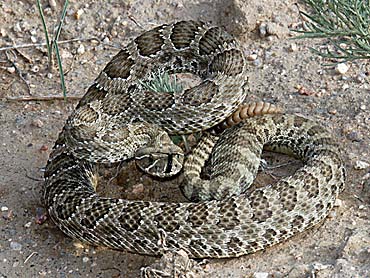
-Mike

How can I do that?
I just recently got a digital camera and don't know to much about using it yet.
Suttles
I don't think this website allows you to upload pictures, so you'd have to post a link to a picture on an existing website (you can use html code to make the picture appear on your post, but it will still point back to another website).
There are some websites, like Geocities, I believe, that will allow you to sign up for free and have your own website, to which you could upload your pictures and then point posts here back to those pics.
In either case, an example of code you would use in your post to make a picture appear is:
img src="http://www.somewebsite.com/somepicture.jpg"
you would need the end brackets "<" and ">" around the text above also (I left it off so that it wouldn't actually try to find the picture I specified)
[This message has been edited by rambleguy (edited 01 May 2005).]

------------------
-Mike
[This message has been edited by Hikin Mike (edited 03 May 2005).]
[This message has been edited by HaplyCarlessdave (edited 04 May 2005).]
quote:
Originally posted by HaplyCarlessdave:
[QUOTE] How can I do that?
Suttles
For the the second case (use "view source" to see the code) you can use the form: Rattler
To insert a pic right into your post, you can use something like:

It might be possible to imbed a pic directly, too (without outside ref), but I'm not sure. We should probably generally avoid this, as it could, in the event of a high red pic, take a heck of a lot of memory (so be SLOW as molassas loading! Let's be responsible and not make the 'powers that be' restrict the sight so cool stuff becomes impossiblle! Please be really careful with this stuff- leaving out a marker could theoretically screw up the page for everyone!
DaveS